 English
 Български
 Hrvatski
 Čeština
 Dansk
Dansk Nederlands
 Eesti
Eesti Suomi
Suomi Français
 Deutsch
 Ελληνικά
 Magyar
 Italiano
 Latviešu
 Lietuvių
 Malti
Malti Polski
 Português
 Română
 Русский
 Slovenčina
 Slovenščina
 Español
 Svenska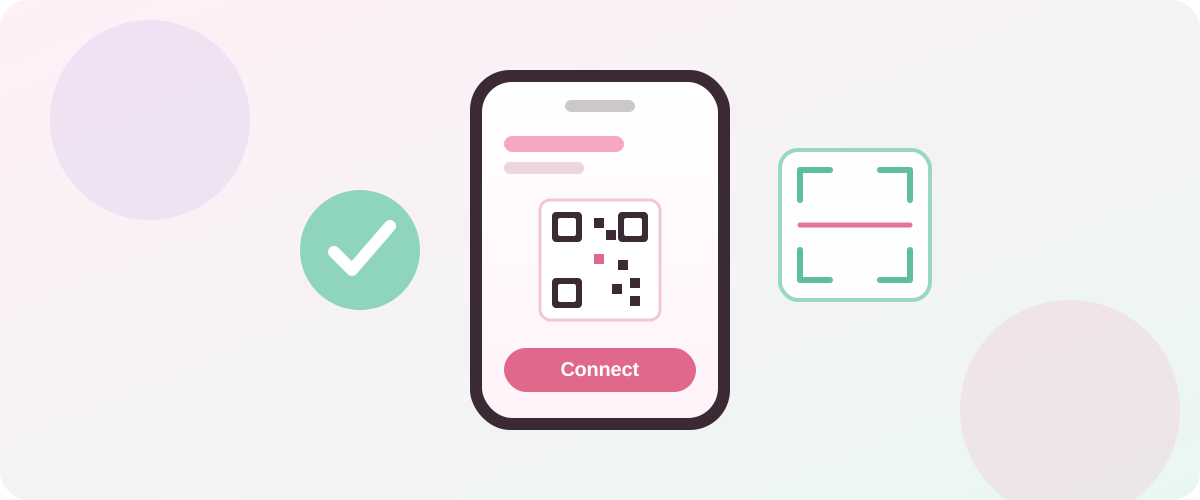
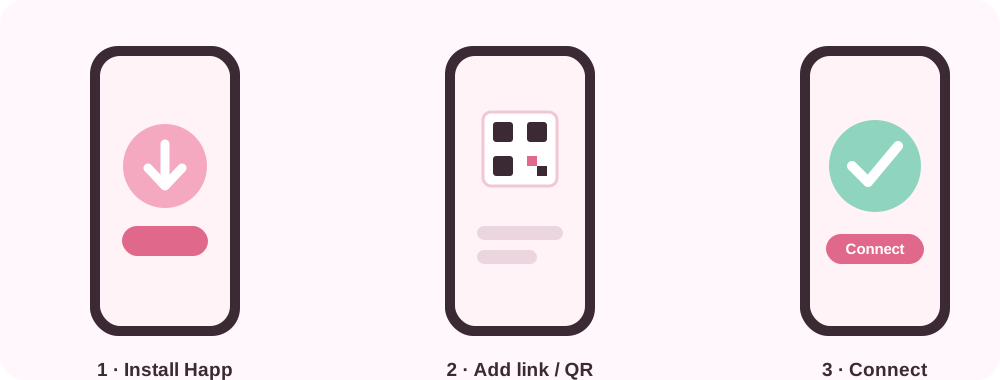
Setting up Nekoway on your phone takes about a minute. Nekoway works with the free Happ app on both Android and iPhone, using your personal subscription link or a QR code. This guide walks through every step for both platforms.
Before you start
You will need a Nekoway account with a verified email and an active plan. Pick 30, 90 or 365 days on the pricing page and pay with cryptocurrency. Once your payment is confirmed, your subscription activates automatically and your personal subscription link and QR code appear in your account.
Set up on Android
1. Install Happ. Open the downloads page and get the Happ app for Android.
2. Open your Nekoway account. You will see your subscription link and a QR code.
3. Add the subscription. In Happ, tap Add and either scan the QR code or paste your subscription link. Both do the same thing.
4. Pick a country. Choose Germany, Finland or Sweden.
5. Connect. Tap connect — that is it, you are private.
Set up on iPhone
The steps are the same:
1. Install Happ for iOS from the downloads page.
2. Open your Nekoway account to find your subscription link and QR code.
3. Add it to Happ by scanning the QR code or pasting the link.
4. Choose a country and tap connect.
Because one subscription supports up to 10 devices, you can repeat this on your tablet and laptop with the same link.
Tips for a smooth connection
- Connect before you join public Wi-Fi, not after — see our guide to a VPN for public Wi-Fi.
- If a location feels slow, try switching to another country in Happ.
- Keep the app updated so you get the latest improvements.
Keep your subscription link private
This is the most important step. Your subscription link and QR code are like a key to your account. Anyone who has them can use your subscription.
- Do not post the link or QR code anywhere public.
- Do not send it to friends — each account is meant for one person's devices.
- If you think your link has leaked, contact support so it can be reset.
What is happening under the hood
Nekoway uses a modern protocol stack — VLESS with the Reality transport — to keep connections private and reliable. You do not need to configure any of it; Happ handles the details. If you are curious, we explain it in plain language on the VLESS Reality page.
Frequently asked questions
Is Happ free? Yes, the Happ app is free. Your Nekoway subscription is what provides the VPN service.
Can I use the same link on my phone and laptop? Yes — up to 10 devices per subscription. Add the same link on each device.
Do I have to scan the QR code? No. Scanning the QR code and pasting the link do exactly the same thing; use whichever is easier.