

 English
 Български
 Hrvatski
 Čeština
 Dansk
Dansk Nederlands
 Eesti
Eesti Suomi
Suomi Français
 Deutsch
 Ελληνικά
 Magyar
 Gaeilge
 Latviešu
 Lietuvių
 Malti
Malti Polski
 Português
 Română
 Русский
 Slovenčina
 Slovenščina
 Español
 Svenska
Open Wi-Fi in cafés, airports and hotels is convenient — and shared with strangers. This guide explains the real risks of public networks and how a VPN reduces them, with practical tips you can use today.
What can go wrong on public Wi-Fi
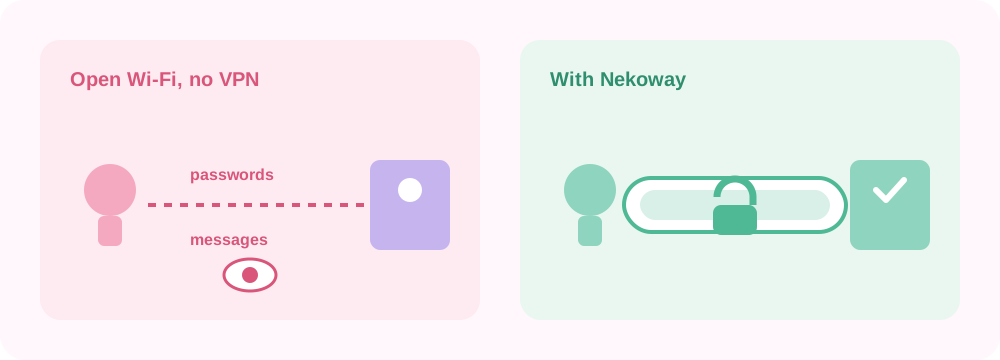
On an open network, others nearby may see unencrypted traffic, set up fake "free Wi-Fi" hotspots, or try to intercept connections. Most major sites now use HTTPS, which helps — but not every app is careful, and metadata about what you connect to can still leak to the local network.
How a VPN helps
A VPN encrypts everything between your device and the VPN server. On public Wi-Fi, that means the network operator and anyone snooping nearby cannot read your traffic or easily see which sites you visit. Nekoway uses strong encryption (AES-256) so your session stays private on untrusted networks.
Practical safety tips
- Turn the VPN on before you join the network, not after.
- Keep your device and apps updated.
- Prefer HTTPS sites and avoid sensitive logins on networks you do not trust.
- Turn off automatic connection to unknown networks.
Set it up once
Install the Happ app, add your Nekoway subscription link, and connect with one tap before you join public Wi-Fi. See the Happ setup guide, or read about our no-logs approach.
Frequently asked questions
Isn't HTTPS enough on public Wi-Fi? HTTPS protects the content of many sites, but not all apps use it well, and metadata can still leak. A VPN adds a consistent layer of encryption for everything on your device.
Does a VPN make public Wi-Fi completely safe? It greatly reduces the main risks, but no tool is perfect. Combine a VPN with updated software and careful habits.
Should I keep the VPN on the whole time? On untrusted networks, yes — connect before you start browsing and stay connected.